Building a Project and Team Task Management Platform with Laravel and Next.js
By Kisho Jeyapragash
I built a project and team task management platform with a Next.js frontend, Laravel backend and PostgreSQL database. Administrators, project managers and team members need different views and permissions, but they work with the same projects and tasks. That made authorization and API design central to the application, rather than details to add after the screens.
A clear boundary between client and server
The Next.js client owns presentation, forms, routing and client-side query state. The Laravel REST API owns authentication, validation, authorization and persistence. I used versioned endpoints under /api/v1 so the interface calls a consistent API boundary.
| Layer | Tools and responsibilities |
|---|---|
| Client | Next.js, TypeScript and TanStack Query for interfaces and query state |
| API | Laravel, Sanctum and authorization policies for protected workflows |
| Persistence | Eloquent and PostgreSQL for relational application data |
| Checks | Backend feature tests and frontend lint, type and build checks |
Roles are only the first authorization question
The platform supports Administrators, Project Managers and Team Members. Administrators manage users, roles and permissions. Project managers work with assigned projects and their memberships. Team members view assigned work, update permitted task progress and comment on authorized tasks. A role alone does not answer whether a specific user should act on a particular project.
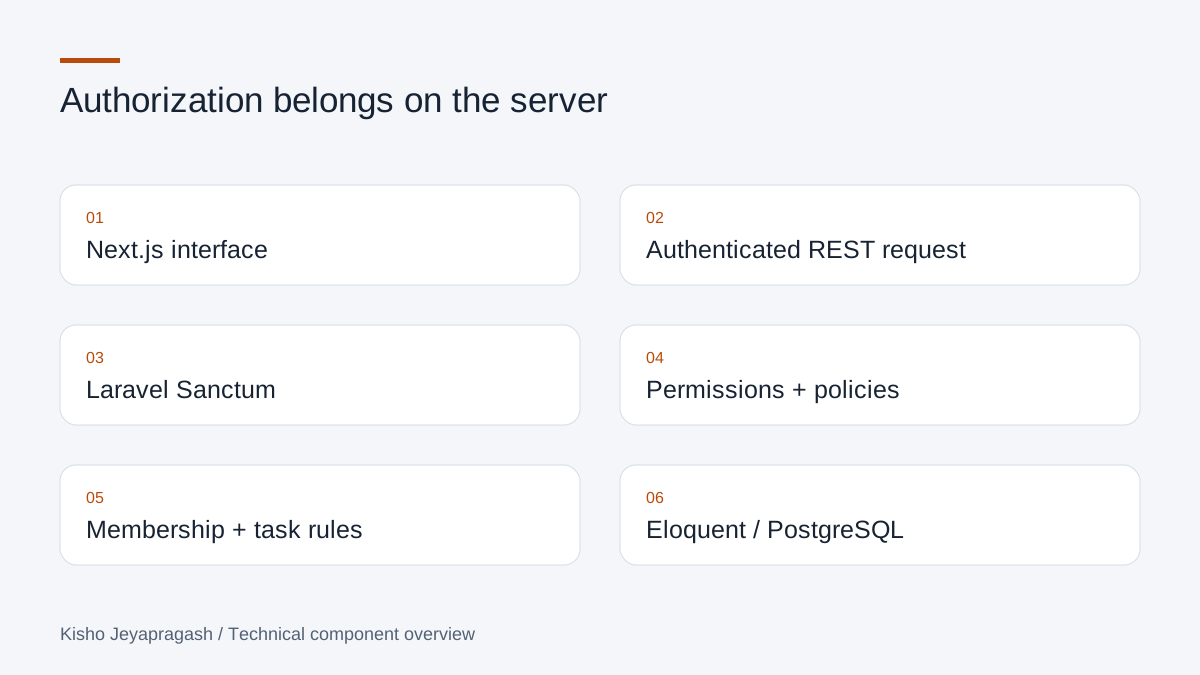
Laravel Sanctum handles authentication, while policies, gates, middleware and Spatie Laravel Permission support authorization. The frontend can present a role-aware dashboard, but the API remains responsible for deciding whether a request is allowed. Hiding a control is useful interface behaviour; it is not a replacement for server-side access rules.
Project membership makes the workflow concrete
I implemented project membership, task assignment, task status updates and comments. Membership links a person to a project, while task assignment identifies the work they are responsible for. Comment ownership is another boundary: updating or deleting a comment should follow its authorization rules rather than depend only on whether the page displayed an edit button.
- Users, roles and permissions have management workflows.
- Projects support membership, filtering, soft deletion and restoration.
- Tasks support assignment, status updates and comments.
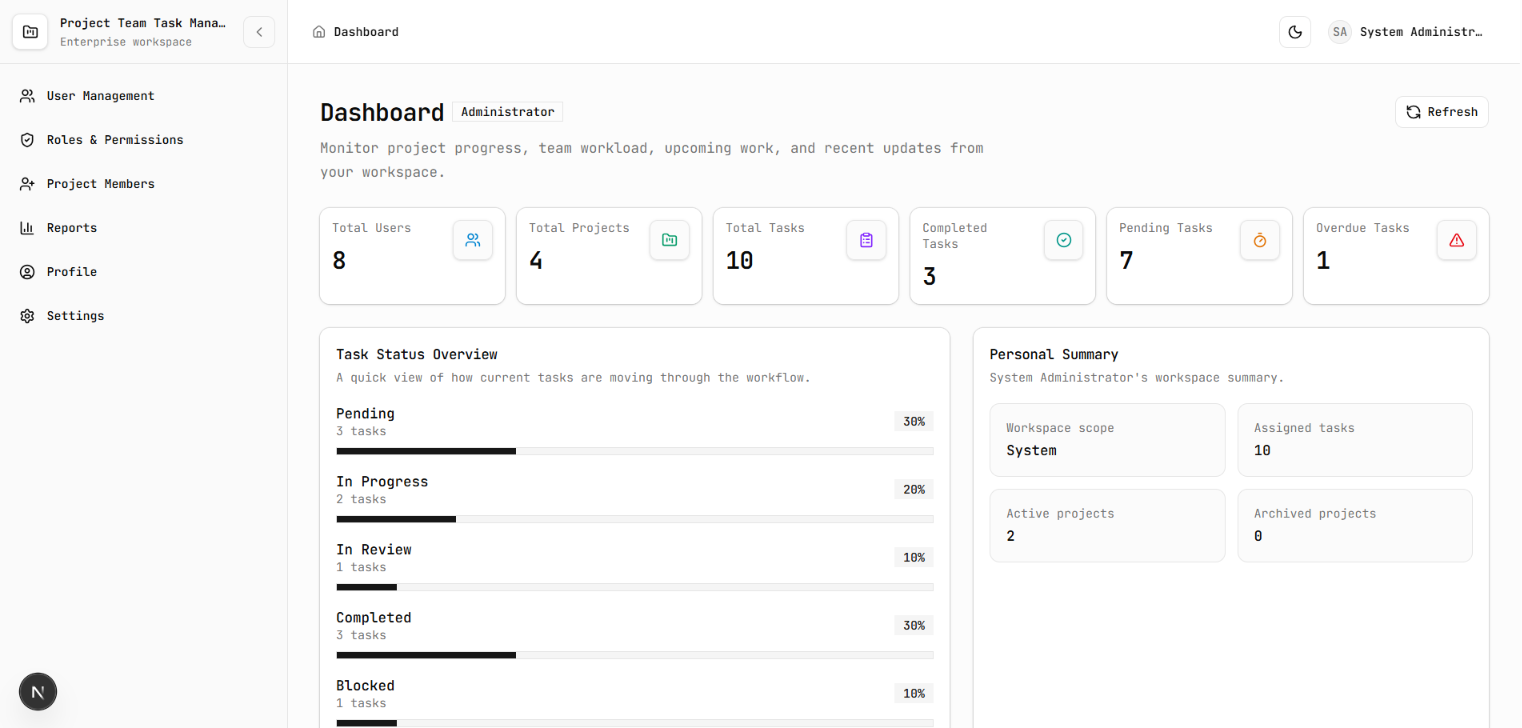
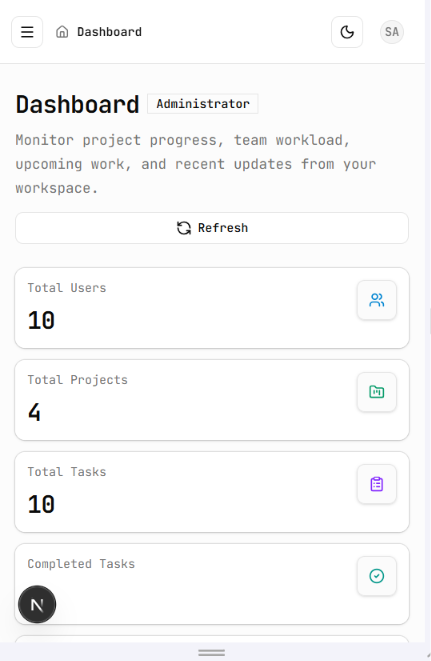
- Dashboards and reports present project progress and team workload.
An API response is part of the interface contract
The API uses consistent JSON responses, validation errors, pagination and filtering. Those details matter when the frontend needs to display an empty list, explain an invalid form or request another page. A predictable response format lets the client handle these states without inventing a different rule for every screen.
Checking boundaries as well as successful requests
The repository includes backend feature tests for the application modules and frontend quality checks. For this kind of application, I consider authorization failures and invalid input as important as successful task creation: the same endpoint needs to behave correctly for different users and different request states. I do not treat a working dashboard screenshot as a substitute for those checks.
Why I modeled membership separately from assignment
A task management application has several relationships that are easy to flatten into a single role check. A person can belong to a project without being assigned every task in it. A task can have an assignee, and a comment can have an owner. I kept these concepts distinct so that the application could represent team participation, responsibility for work and responsibility for a message without making them interchangeable.
The platform supports project creation and lifecycle changes, member management, task assignment and status updates. Users and projects also have soft-deletion and restoration workflows. Those operations affect the records available to later screens and reports. For this reason, I treat a dashboard as a view of application state, rather than a separate set of values maintained independently from the management modules.
Authentication answers who; authorization answers whether
Laravel Sanctum supplies the authentication boundary. Spatie Laravel Permission supplies role and permission management, while Laravel policies and gates express decisions about resources. Administrators, project managers and team members have different responsibilities, but the requested record still matters. The question is not only whether someone is a project manager; it is whether this project is one they may manage.
Consider a task update as an illustrative request flow. The client sends an authenticated request to the versioned API. The server identifies the user, validates the input and applies the relevant access rules before persistence. The Next.js interface can hide an unauthorized action to keep the screen clear. A direct HTTP request must still encounter the same server-side rule, because the API cannot assume that every caller used that interface.
public function update(User $user, Task $task): bool
{
    return $user->can('tasks.update')
        && $this->canManageProjectTasks($user, $task->project);
}
Keep server data and form state distinct
The Next.js frontend uses TypeScript, TanStack Query, Axios, React Hook Form and Zod. Query state represents the data received from the API; form state represents the changes a person is preparing to submit. Keeping those responsibilities distinct helps the interface display validation errors without treating unsaved input as already persisted application data.
The API uses consistent JSON responses, pagination and filtering. These are practical interface requirements: a table needs to know when another page is available, and a form needs to connect an error with the relevant input. Client-side validation can provide immediate feedback, but Laravel remains responsible for validating the request that reaches the server. Both layers should describe the same domain rule.
Comments introduce another ownership boundary
I implemented task comments alongside task and membership workflows. Updating or deleting an owned comment is a different operation from managing the task itself. This is a useful example of why one broad permission cannot describe every action on a screen. A person may be able to see a task while having different rights over a comment written by someone else.
The same reasoning applies to reports. Role-aware dashboards summarize tasks, recent activity and project progress. Workload and progress reports should be read in the context of the records the user may access. Putting those decisions in the backend means a report request and a normal detail request can rely on the same authorization boundary.
Tests should include the caller who is not allowed
The TaskManagementTest feature suite checks the full create, update, assign, status, delete and restore workflow. It also rejects an assignee who is outside the project, and verifies that an assigned team member can update task status but receives a forbidden response for a full task update. These tests make the distinction between managing a task and reporting progress concrete. I inspected the test source for this article; I did not rerun that separate application suite.
The engineering lesson is to make access decisions close to the workflow and data. A decoupled frontend is useful because it can develop its own interface patterns, but it should not become the only place a rule exists. The server contract is what keeps direct requests, dashboards and management screens working against the same understanding of the application.